FREE TOOLS / BOOK COMPANION
Event email practice
A fictional practice assignment with an explained sample solution.
Who Gets Hired · whogetshired.com/resources/event-email-practice/
Event email practice
This exercise is useful for practicing communications and customer-facing coordination. Allow about an hour for a first attempt. Use only the fictional facts below; inventing a benefit will make the email less accurate.
The brief: Westbridge Community Center is offering a beginner spreadsheet workshop on Saturday, April 17, 2027, from 10 a.m. to noon in Room 4. It costs $15, has 12 places, and requires participants to bring a laptop with a spreadsheet application installed. Participants will practice sorting a small dataset and checking a total. Registration closes April 14 or when the workshop fills. This is a practice workshop, and it does not award a certificate. The approved registration button will be added by the center’s website editor.
Become an Excel expert this Saturday at our free community workshop! Drop in anytime from 10 to 2. No equipment or experience needed. Everyone receives a certificate, and our instructors will answer all your business questions. Bring your friends; there’s plenty of room!
Before rewriting it, list the factual errors. Then write a subject line and an email of no more than 120 words. Include the information someone needs to decide whether to register and attend. Add a brief note to the website editor listing anything you need confirmed before publication.
Check your draft against the brief yourself before looking at the example below. If you use AI for alternatives, retain its draft and identify every factual correction you made. Ask another person to read the email and tell you the cost, what they must bring, and how they would register.
Compare with the sample solution
One possible revision
Subject: Practice spreadsheet basics on April 17
Join Westbridge Community Center’s beginner spreadsheet workshop on Saturday, April 17, from 10 a.m. to noon in Room 4. You’ll practice sorting a small dataset and checking a total. The workshop costs $15 and has 12 places. Bring a laptop with a spreadsheet application already installed. Please use the registration button below to reserve a place by April 14; registration will close earlier if the workshop fills.
The note to the editor should ask which spreadsheet applications the instructor can support and ask the editor to insert and test the approved registration button. The exercise doesn’t supply those details. Check the day and date against a calendar as well. Until the supported applications and registration link are confirmed, this remains a draft.
This version removes the unsupported promises and gives the reader the relevant logistics. Another version could be equally good. Check accuracy and usefulness before debating whether the subject line sounds exciting enough.
Save the original brief, your draft, the reader’s feedback, and your revision. Label the finished work “Independent practice exercise using fictional event information.” Describe what you did accurately: “Revised an event email against a supplied brief, corrected unsupported claims, and checked whether a reader could identify the attendance requirements.” Don’t claim that you increased registrations; no event took place.
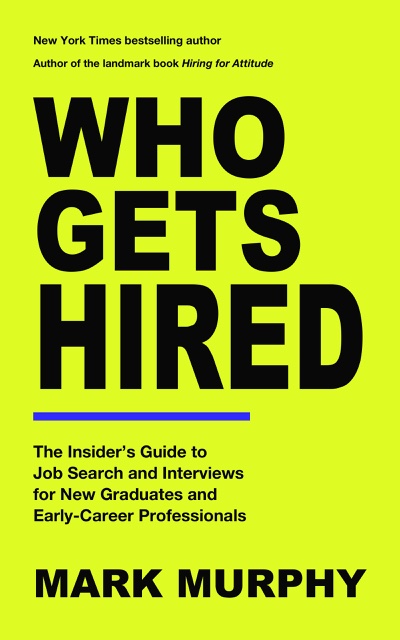
Use the practice assignments in Who Gets Hired to talk through the choices you made and explain what you checked before handing over a draft.